
 LV
LV  EN
EN  RU
RU 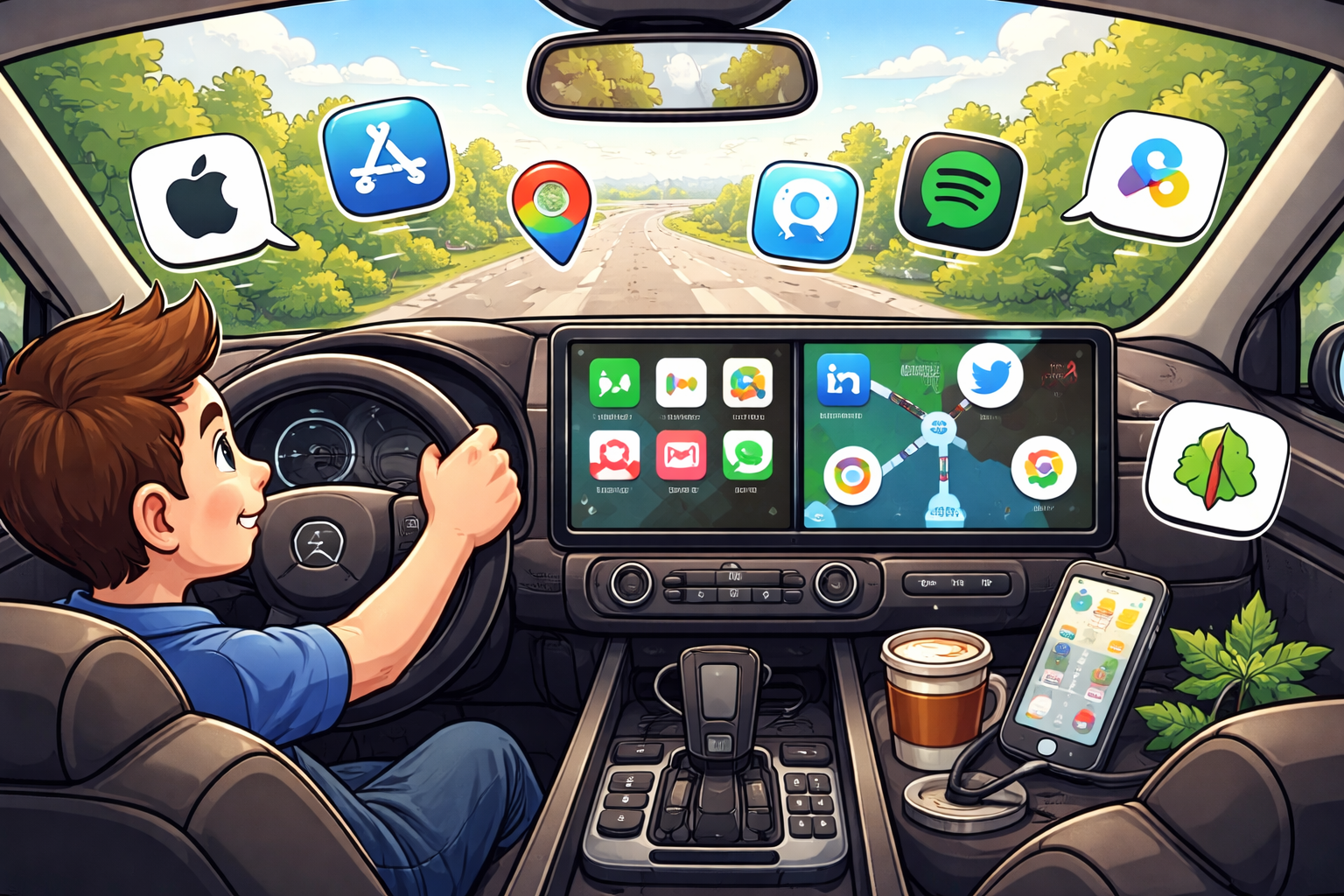
Modern cars are becoming increasingly advanced, and technology now plays a major role in everyday driving. One of the most important innovations in recent years is smartphone integration through Apple CarPlay and Android Auto.
These systems allow drivers to connect their smartphones directly to the car’s infotainment system. Once connected, the driver can safely access navigation, music, messages and calls using the car’s display.
Instead of using a phone while driving, the interface is designed specifically for safe use behind the wheel, with larger buttons, simplified menus and voice commands.
Many automotive safety experts believe that smartphone integration systems like Apple CarPlay and Android Auto help reduce distracted driving.
What is Apple CarPlay
Apple CarPlay is a platform developed by Apple that allows iPhone users to integrate their device with the car’s infotainment system. When connected, the car’s display shows a simplified interface designed specifically for driving.
Drivers can access several key functions directly from the car screen:
- navigation
- phone calls
- messages
- music streaming
- podcasts
- voice assistant Siri
Using Siri voice commands allows drivers to interact with their phone without taking their hands off the steering wheel.
What is Android Auto
Android Auto is Google's equivalent system designed for Android smartphones. It allows drivers to connect their phone to the car’s infotainment system and access essential apps safely while driving.
Android Auto focuses heavily on Google services and integrates seamlessly with apps such as Google Maps and Google Assistant.
Many Android Auto users appreciate the integration with Google Maps and Waze, which provide highly accurate real-time traffic updates.
Key features of both systems
Both Apple CarPlay and Android Auto provide a range of features designed to improve the driving experience.
- GPS navigation with real-time traffic updates
- music streaming services
- hands-free phone calls
- voice controlled messaging
- voice assistants
- integration with popular apps
These features allow drivers to stay connected without compromising road safety.
How to connect Apple CarPlay or Android Auto
Connecting your phone to the car is usually simple and takes only a few seconds.
Most vehicles support two connection methods:
- USB cable connection
- wireless connection via Bluetooth or Wi-Fi
Once connected, the CarPlay or Android Auto interface automatically appears on the car display.
Most popular apps for drivers
Many drivers rely on specific apps that work especially well with CarPlay and Android Auto.
- Google Maps
- Waze
- Spotify
- Apple Music
- YouTube Music
- Telegram
These apps allow drivers to navigate, communicate and enjoy music without needing to handle their phone.
Driver experiences and reviews
Drivers who regularly use Apple CarPlay or Android Auto often report that these systems make driving easier and safer.
"Android Auto completely changed how I use navigation while driving. I now see traffic updates instantly on the car display." – Mark, driver
"Apple CarPlay is extremely convenient. Siri reads messages and I can reply without touching my phone." – Emily, iPhone user
Tips for safe usage
Although these systems improve safety, drivers should still use them responsibly.
- use voice commands whenever possible
- avoid complex actions while driving
- set navigation before starting the trip
- keep your attention on the road
Conclusion
Apple CarPlay and Android Auto are among the most useful technologies available in modern vehicles. They allow drivers to access essential smartphone features safely and conveniently while keeping their focus on the road.