
 LV
LV  EN
EN  RU
RU 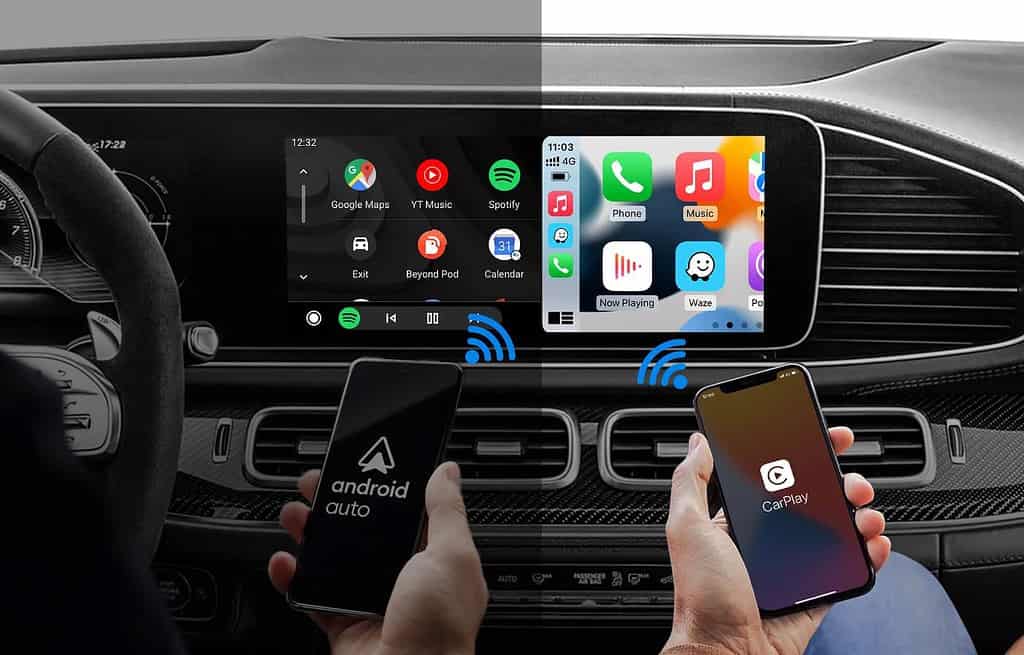
Wireless Android Auto and CarPlay are great—until you get random disconnects, audio delay, or a black screen. Most of the time it’s not your phone “getting old”, but settings and background restrictions.
First: delete pairing on both the car and the phone, then pair again. Second: check battery saver modes that may kill background connectivity.
Third: update the head unit firmware (if available) and your phone OS. Fourth: reduce Bluetooth clutter—multiple paired devices can conflict and trigger drops.

If nothing helps, a quality USB cable is the best fallback: more stable audio and often faster navigation response. Convenience can come later—reliability first.
Comments
Add a comment. Click “Reply” to respond to a specific comment.
No comments yet. Be the first!